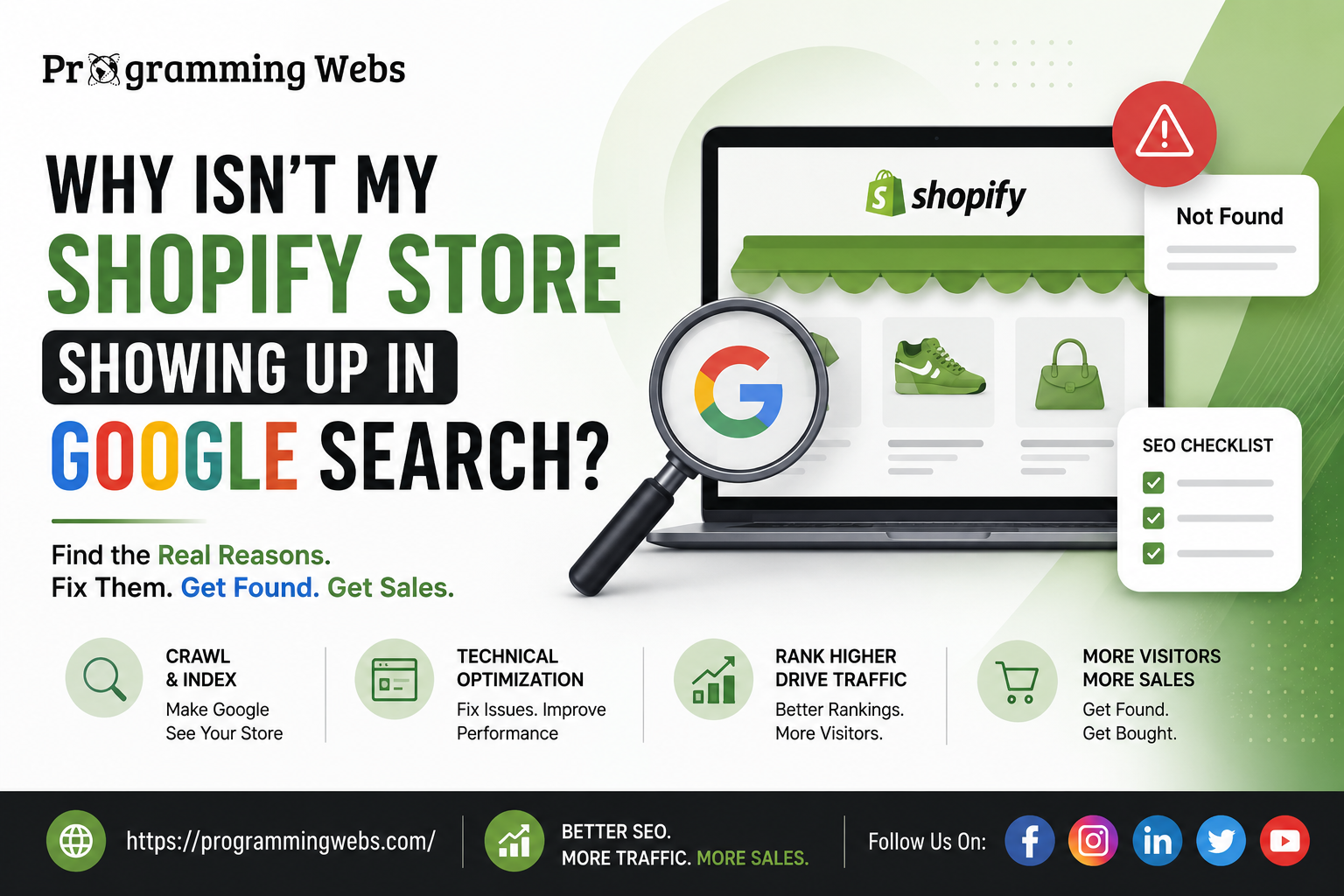
You built a beautiful Shopify store. The products look great, the checkout works, and you’re ready for sales to roll in. Then you search your own store name on Google – and nothing. Or worse, you find it buried on page 4, right after three competitors you’ve never even heard of.
If that sounds familiar, take a breath. You’re not doing anything “wrong” as a business owner – you’re just missing a piece of the puzzle that most Shopify tutorials never mention: Shopify SEO. Building a store gets you a storefront. It doesn’t automatically get you customers.
This is one of the most common (and most frustrating) problems small business owners, startups, and e-commerce brands run into. The good news? It’s almost always fixable, and you don’t need to be a tech expert to understand why it’s happening.
Let’s break down exactly why your Shopify store isn’t showing up in Google search – and what actually works to fix it.
Why Google Isn’t Showing Your Shopify Store (The Common Culprits)
Before jumping to solutions, it helps to understand how Google actually finds and ranks stores. Google uses bots to “crawl” your website, understand what it’s about, and decide where it deserves to rank based on relevance, trust, and user experience. If any part of that chain breaks, your store becomes invisible – even if it’s technically “live.”
1. Your Store Is Too New (Google Needs Time)
If your Shopify store launched recently, this might simply be a timing issue. Google typically takes anywhere from a few days to several weeks to properly crawl and index a new website. New domains also don’t carry authority yet – and authority is a major ranking factor.
Real-world example: A boutique skincare brand launched their Shopify store and expected first-page rankings within a week. In reality, it took nearly two months of consistent optimization before Google fully indexed and started ranking their product pages – which is completely normal for a new site.
2. Your Store Isn’t Indexed by Google at All
This is the most overlooked issue. If Google hasn’t indexed your pages, you simply won’t appear in search results – no matter how good your content is.
Common causes:
- Your txt file is accidentally blocking search engines
- Pages are set to “noindex” (common when a store was in development mode)
- No sitemap has been submitted to Google Search Console
- Your Shopify theme has technical errors blocking crawlers
You can quickly check this by searching site:yourstorename.com on Google. If nothing shows up, indexing is likely your core problem.
3. Weak or Missing On-Page SEO
Shopify’s default settings don’t do SEO for you. Many store owners skip:
- Optimized page titles and meta descriptions
- Keyword-rich product descriptions (not just manufacturer copy-paste text)
- Proper header tags (H1, H2, H3) structuring content
- Alt text on product images
Google can’t rank content it can’t understand. If your product page just says “Blue Cotton T-Shirt – $25” with no context, you’re leaving Google (and your customers) guessing.
4. Duplicate Content Issues
Shopify stores are notorious for duplicate content – especially when using default manufacturer descriptions or when the same product appears under multiple collection URLs. Google sees this as low-value, repeated content and often chooses not to rank any version of it.
5. Poor Site Speed and Mobile Experience
Google prioritizes user experience, and Core Web Vitals (loading speed, interactivity, visual stability) are official ranking signals. According to <cite index=”0-1″>Think with Google, 53% of mobile site visitors leave a page that takes longer than three seconds to load</cite>. Slow product pages don’t just hurt conversions – they hurt rankings too.
6. Zero Backlinks or Domain Authority
If no other trustworthy websites link to your store, Google has little reason to trust it over established competitors. This is especially tough for new e-commerce brands entering competitive niches like fashion, beauty, or electronics.
7. You’re Only Relying on Shopify’s Built-In Search, Not Google’s
Some store owners confuse Shopify’s internal storefront search with actual Google visibility. They’re completely different systems. Ranking on Google requires deliberate, ongoing optimization – it isn’t automatic just because your store is “published.”
How to Fix Shopify SEO Issues and Get Found on Google
1 Step: Verify Indexing Through Google Search Console
Connect your store to Google Search Console (it’s free) and check the “Pages” report. This tells you exactly which pages are indexed, which are excluded, and why. It’s the single most important diagnostic tool for any Shopify SEO troubleshooting process.
2 Step: Fix Technical SEO Foundations
- Submit an XML sitemap
- Remove accidental “noindex” tags
- Fix broken links and redirect chains
- Improve site speed by compressing images and limiting unnecessary apps
3 Step: Optimize Product and Collection Pages
- Write unique, keyword-optimized product descriptions
- Use descriptive, keyword-rich URLs (avoid Shopify’s long auto-generated ones where possible)
- Add proper alt text to every product image
- Structure content with clear H1 and H2 tags
4 Step: Build Topical Authority With a Blog
Publishing helpful content around your niche builds trust with both Google and shoppers. It also opens the door to ranking for informational searches that eventually convert into sales.
5 Step: Earn Backlinks
Reach out for guest posts, get listed in relevant business directories, and build relationships with bloggers or influencers in your niche who can link back to your store.
6 Step: Monitor and Adjust Continuously
SEO isn’t “set and forget.” Google’s algorithm evolves constantly, and so should your strategy. Regular audits keep your store from silently losing visibility over time.
Real Businesses, Real Struggles
A home décor Shopify brand once reached out convinced their store was “banned” by Google. After a technical audit, the real issue was simple: their theme had an accidental “noindex” tag left over from the development phase, and their sitemap had never been submitted to Search Console. Once fixed, indexed pages jumped from 3 to over 140 within a month, and organic traffic followed shortly after.
This is far more common than most business owners realize – and it’s rarely about the product. It’s almost always about the technical and content foundation underneath it.
Why Choose ProgrammingWebs for Shopify SEO
Fixing Shopify SEO issues isn’t just about ticking boxes – it’s about understanding how Shopify’s architecture interacts with Google’s ranking systems, and knowing exactly where things typically break.
At ProgrammingWebs, we specialize in exactly this kind of problem-solving. Our team has worked with SMBs, startups, and growing e-commerce brands to diagnose visibility issues and turn them into consistent, sustainable organic growth.
Here’s what sets our approach apart:
- Dedicated Shopify SEO Services built specifically around Shopify’s platform quirks – not generic SEO templates
- Full technical audits covering indexing, crawlability, site speed, and Core Web Vitals
- Specialized Ecommerce SEO Services designed to turn product pages into consistent traffic and revenue sources
- Transparent reporting – no jargon, no guesswork, just clear before-and-after data
- Affordable, scalable plans that work for small stores just starting out and larger brands ready to expand internationally
We don’t just tell you what’s wrong – we fix it, and we help you understand why it happened so it doesn’t happen again. Explore our full range of Services or check our Portfolio to see how we’ve helped other businesses grow their organic visibility.
Frequently Asked Questions
- Why is my Shopify store not showing up on Google at all? The most common reasons are indexing issues (like an accidental noindex tag), a brand-new domain with no authority yet, or missing sitemap submission in Google Search Console.
- How long does it take for a Shopify store to rank on Google? Typically 3 to 6 months for competitive niches, though basic indexing can happen within days to a few weeks if there are no technical blockers.
- Does Shopify have built-in SEO tools? Shopify offers basic SEO fields (title tags, meta descriptions, alt text) but doesn’t automatically optimize your store. You still need a deliberate SEO strategy for real visibility.
- Why do my product pages rank but my homepage doesn’t (or vice versa)? This usually comes down to keyword targeting and internal linking. Each page should target distinct keywords and be properly linked from relevant pages across your site.
- Can too many Shopify apps hurt my SEO? Yes. Excess apps often slow down site speed and add unnecessary code, which negatively affects Core Web Vitals and, in turn, your rankings.
- Is Shopify or WordPress better for SEO? Both can rank well when optimized correctly, though they handle technical SEO differently. If you’re deciding between platforms, this comparison on Shopify vs WordPress in 2026 breaks down the differences in detail.
- Should I hire an agency or try to fix Shopify SEO myself? It depends on your time, technical comfort, and how competitive your niche is. This guide on whether you can do SEO yourself or need to hire someone walks through exactly how to decide.
Final Thoughts: Visibility Is a Strategy, Not an Accident
If your Shopify store isn’t showing up on Google, it’s not a sign that your business isn’t good enough – it’s a sign that a technical or strategic piece is missing. And once you identify it, the fix is usually far simpler than it feels right now.
Whether it’s a stray noindex tag, thin product descriptions, or a lack of backlinks, every one of these issues is solvable with the right approach.
Not sure where your store is losing visibility? Our team at ProgrammingWebs can run a full audit and show you exactly what’s holding you back – and how to fix it. Contact us today for a free consultation, browse our Blog for more growth insights, or visit our Home Page to see how we help stores like yours get found, get clicked, and get bought from.
External reference: Think with Google – Mobile Page Speed Insights | Google Search Central Documentation