If you’ve ever published a “perfect” blog post, waited weeks, and watched it sit on page 4 of Google — you already know good content isn’t enough anymore.
Most of the time, the problem isn’t your writing. It’s your website’s plumbing.
Broken links. Slow-loading pages. Pages Google can’t even find. These issues live under the surface, and no amount of keyword stuffing fixes them. This is exactly what technical SEO tools are built for — they show you what’s actually blocking your growth, instead of guessing. If you’d rather have experts handle this for you, our SEO services team runs this exact process for clients every day.
In this guide, we’ll break down the best technical SEO tools in 2026, how to pick the right one for your business, real examples of what these tools catch, and how a team like ProgrammingWebs can turn those fixes into actual leads and sales.
Let’s get into it.
What Are Technical SEO Tools (And Why Should You Care)?
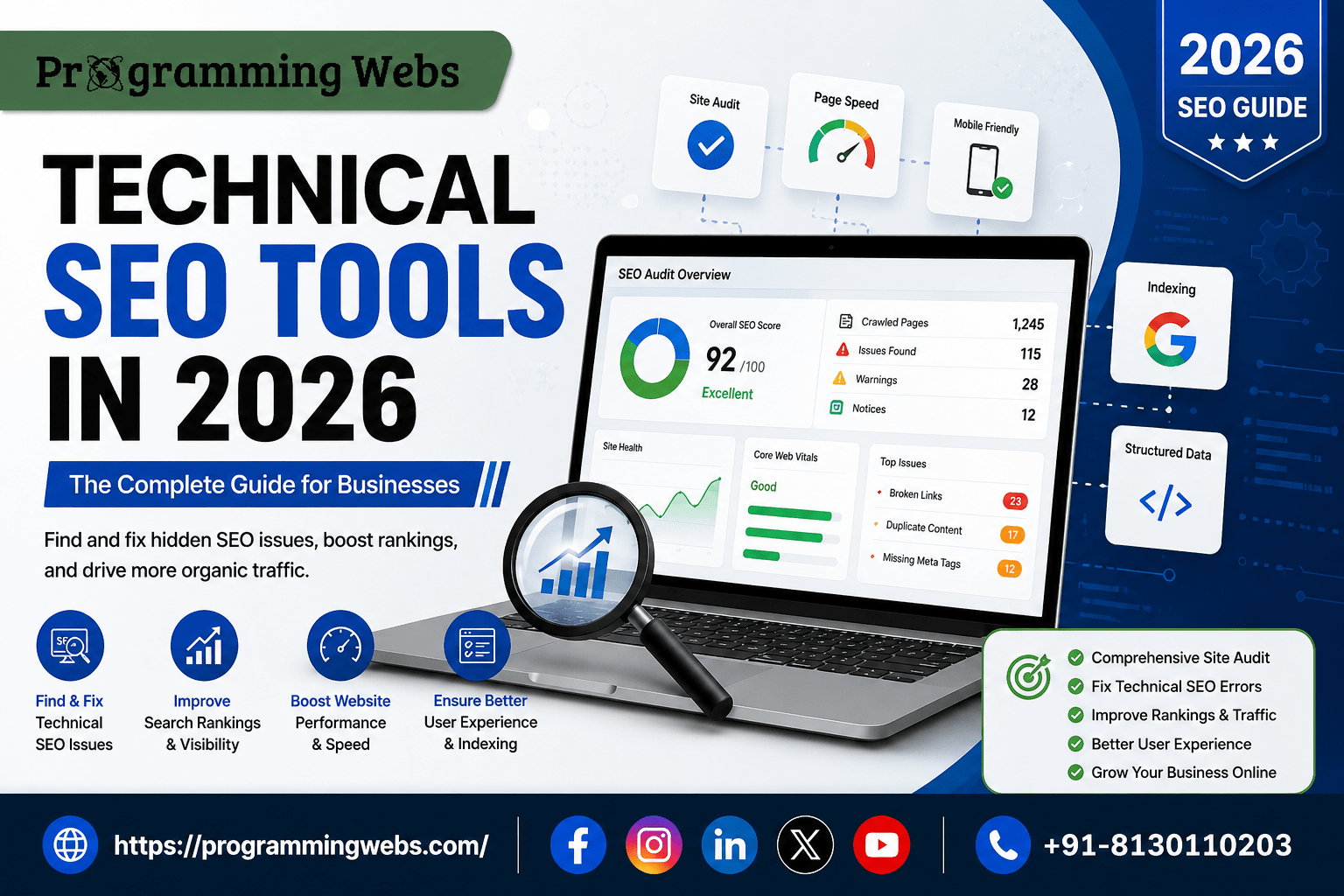
Technical SEO tools are software platforms that crawl your website the same way Google’s bots do. They scan every page and flag problems like:
- Broken internal or external links
- Duplicate content or missing meta tags
- Slow page speed and poor Core Web Vitals
- Pages accidentally blocked from indexing
- Mobile usability issues
- Structured data and schema errors
Think of it like a health checkup for your website. You might feel like everything’s fine, but a crawl often uncovers issues you never knew existed — issues that are quietly costing you traffic every single day.
Search engines in 2026 are more demanding than ever. Sites now rely heavily on JavaScript-based frameworks and complex architecture, which makes accurate crawling and rendering checks essential for staying visible in both classic search results and AI-generated answers.
Why Technical SEO Matters More in 2026 Than Ever Before
SEO isn’t just about blue links anymore. AI Overviews, ChatGPT, and Perplexity are now pulling answers directly from websites — and if your technical foundation is weak, you won’t get cited at all.
A few things worth knowing:
- AI-generated answers are now appearing in a huge share of Google searches, and a large portion of those searches never result in a click to any website — which makes being technically “readable” by both bots and AI crawlers non-negotiable.
- The global SEO software market has grown into a multi-billion-dollar industry, showing just how seriously businesses now treat this space.
- Search engines increasingly reward sites with clean architecture, fast load times, and proper indexing — technical health is now a ranking factor, not just a nice-to-have.
If your competitors are investing in this and you’re not, you’re not just falling behind in rankings. You’re becoming invisible.
Best Technical SEO Tools Guide: Top Picks for 2026
Here’s a breakdown of the tools businesses, agencies, and in-house teams are actually using right now.
1. Google Search Console (Free)
This should be the first stop for every business owner. It’s free, direct from Google, and shows exactly how your site is being indexed, which pages have errors, and how you’re performing in search. For a deeper breakdown of Google’s own tools, check out our guide to Google SEO tools in 2026.
Best for: Startups and SMBs just getting started with SEO.
2. Screaming Frog
Often called the “Swiss Army knife” of technical SEO, this desktop crawler digs into titles, redirects, canonicals, broken links, and more. It’s a favorite among agencies for a reason — it’s detailed and reliable. If you’re on WordPress, pairing a crawl with the right plugin matters too — see our comparison of Rank Math vs Yoast in 2026 or browse our full list of best WordPress SEO plugins in 2026.
Best for: Businesses that want a deep, granular audit.
3. Sitebulb
Sitebulb takes raw crawl data and turns it into visual reports with clear explanations. If you need to explain technical issues to a non-technical business owner or investor, this tool makes that conversation much easier.
Best for: Agencies and consultants presenting findings to clients.
4. Semrush & Ahrefs
Both platforms combine technical audits with keyword research, backlink analysis, and competitor tracking — all in one dashboard. They’re pricier, but they save you from juggling five different tools. Backlinks are a big part of that picture too — our guide to the best backlink tools in 2026 breaks down how to build authority alongside your technical fixes.
Best for: Growing businesses and e-commerce brands that want an all-in-one solution.
5. PageSpeed Insights / Lighthouse (Free)
Speed is a ranking factor and a conversion factor. These free Google tools show you exactly what’s slowing your pages down and how to fix it. For online stores specifically, our e-commerce SEO services and website maintenance & optimization team can implement these fixes for you.
Best for: E-commerce stores where every second of load time affects sales.
6. Lumar (formerly DeepCrawl)
Built for massive websites with thousands or millions of pages. If you’re running a large e-commerce catalog or enterprise site, this is where you graduate to.
Best for: Enterprises with large-scale, complex sites.
Technical SEO Tools Tips: How to Choose the Right One
Not every business needs the same setup. Here’s a simple way to think about it:
- Just starting out? Use Google Search Console + PageSpeed Insights. They’re free and cover the basics — our guide to free SEO tools in 2026 has more options if you’re on a tight budget.
- Running a growing site? Add Screaming Frog for deeper crawls.
- Managing an online store? Prioritize Core Web Vitals monitoring — slow product pages directly hurt sales. If you’re comparing platforms, our Shopify vs WordPress and WooCommerce vs Shopify guides can help you decide before you invest in tools.
- Targeting local customers? Combine your technical stack with dedicated local SEO tools to win map-pack visibility.
- Scaling to enterprise size? Invest in a platform like Semrush, Ahrefs, or Lumar that can handle high page volumes and give your team collaborative reporting.
A common mistake? Buying an expensive all-in-one suite before you even know what’s broken. Start with a free crawl, understand your real issues, then invest based on what you actually need — not what looks impressive on a sales page.
Real-Life Example: What a Technical Audit Actually Catches
Here’s a scenario we see constantly with small business clients.
A local e-commerce store was running paid ads and posting content weekly, but sales weren’t growing. A quick crawl revealed the real story: over a dozen product pages were accidentally set to “noindex,” meaning Google couldn’t even show them in search results. On top of that, several category pages had duplicate meta descriptions, confusing search engines about which page to rank. This is a common issue we catch through our Shopify SEO services audits.
Once fixed, those pages started appearing in search again within weeks — no new content needed, no extra ad spend. Just fixing what was already broken.
This is the kind of hidden issue that a content strategy alone will never catch. It takes the right technical SEO tools guide and someone who knows how to read the data.
Common Technical SEO Problems That Cost You Leads
- Slow mobile load times — most buyers browse on their phone first
- Broken checkout or contact form links — silently killing conversions
- Duplicate or thin content — confuses search engines and dilutes rankings
- Missing schema markup — you lose out on rich results and AI citations
- Poor internal linking — important pages get buried and never rank
Each of these is a “quiet leak” — you don’t notice it happening, but it’s draining traffic and revenue every single day.
Why Choose ProgrammingWebs
Running a business already takes everything you have. You shouldn’t also need to become a technical SEO expert to compete online.
That’s where ProgrammingWebs comes in. As a full-service digital marketing and IT agency, we don’t just hand you a checklist of technical SEO tools and wish you luck. We run the audits, fix the issues, and build a strategy around what actually moves the needle for your business — whether you’re a local SMB, a fast-moving startup, an e-commerce brand, or a scaling enterprise. Explore our full range of services, from website development to Google Ads management, all working together under one strategy.
Here’s what sets our approach apart:
- End-to-end execution — from technical audits and site speed fixes to full digital marketing campaigns, all under one roof
- Affordable, scalable plans — built for SMBs and startups, with the infrastructure to grow into enterprise-level needs
- E-commerce specialization — we understand how Core Web Vitals and crawl issues directly affect cart abandonment and sales
- Transparent reporting — no jargon-heavy reports you can’t understand; just clear before-and-after results
- International reach — we work with businesses across markets, not just one region
We’re not here to sell you tools. We’re here to fix what’s broken and build what’s missing — so your marketing budget actually converts into leads.
Frequently Asked Questions
1. What are the best free technical SEO tools? Google Search Console, PageSpeed Insights, and the free version of Screaming Frog cover most of what small businesses need to start identifying crawl errors, speed issues, and mobile usability problems.
2. How often should I run a technical SEO audit? For most small to mid-sized businesses, a full audit every quarter is enough. E-commerce sites or larger websites with frequent updates should aim for monthly checks.
3. Is technical SEO more important than content SEO? Neither works well without the other. Great content on a technically broken site won’t rank, and a technically perfect site with weak content won’t convert. You need both.
4. Can technical SEO tools fix issues automatically? Most tools identify and diagnose problems, but fixing them (like rewriting redirects or restructuring a site) usually requires a developer or an experienced agency to implement the changes correctly.
5. How much do technical SEO tools cost? Costs vary widely — from free (Google Search Console) to a few hundred dollars a month for platforms like Semrush or Ahrefs. Many businesses combine one free tool with one paid tool to balance cost and depth.
6. Do small businesses really need technical SEO? Yes. Even a five-page website can have indexing errors, broken links, or slow load times that quietly block it from ranking. Technical SEO isn’t just for large enterprises.
7. What’s the difference between technical SEO and on-page SEO? On-page SEO focuses on content, keywords, and page-level elements like headings. Technical SEO focuses on the site’s infrastructure — crawlability, indexing, speed, and architecture — that allows on-page SEO to actually work.
Final Thoughts: Don’t Let a Broken Foundation Hold You Back
Here’s the truth: you can write the best content in your industry, run the smartest ad campaigns, and still lose to competitors — simply because your website has technical issues search engines can’t get past.
The right technical SEO tools guide gets you visibility into the problem. But fixing it, and turning that fix into real business growth, takes a team that knows both the tech and the marketing side.
That’s exactly what ProgrammingWebs does every day for SMBs, startups, e-commerce brands, and enterprises.
Ready to find out what’s silently costing you traffic? 📞 Contact us today, check out our pricing, or browse our portfolio to see real results — and let’s turn your website into a lead-generating asset instead of a hidden liability.